Ghi chép trôi nổi
Hướng dẫn, so sánh, và những suy nghĩ đằng sau Floatie.
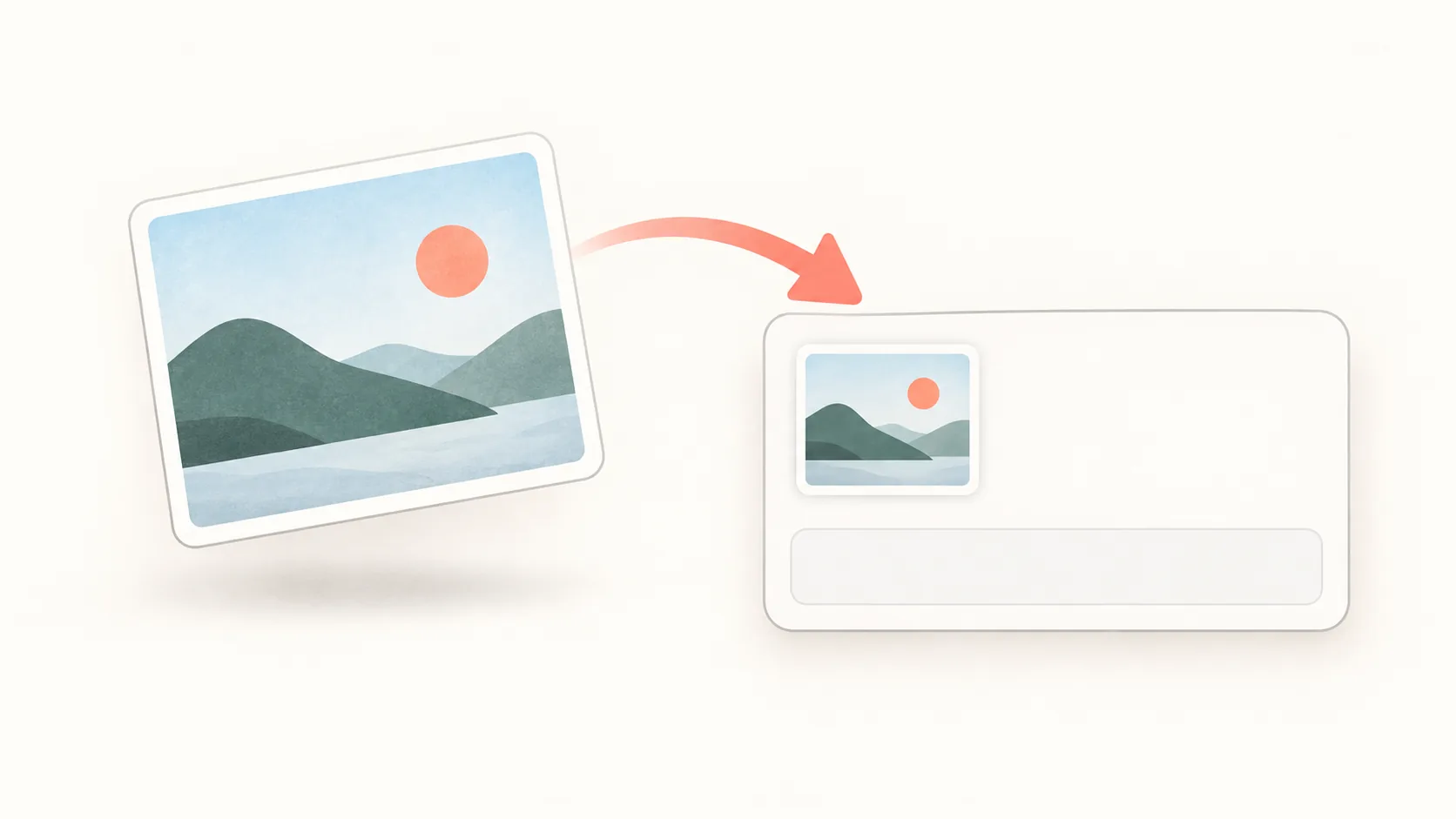
Cách sao chép ảnh chụp màn hình Mac vào bảng nhớ tạm mà không lưu tệp
Sao chép ảnh chụp màn hình Mac thẳng vào bảng nhớ tạm bằng Control-Shift-Command-4, dán vào tin nhắn và xử lý ứng dụng yêu cầu đính kèm tệp.
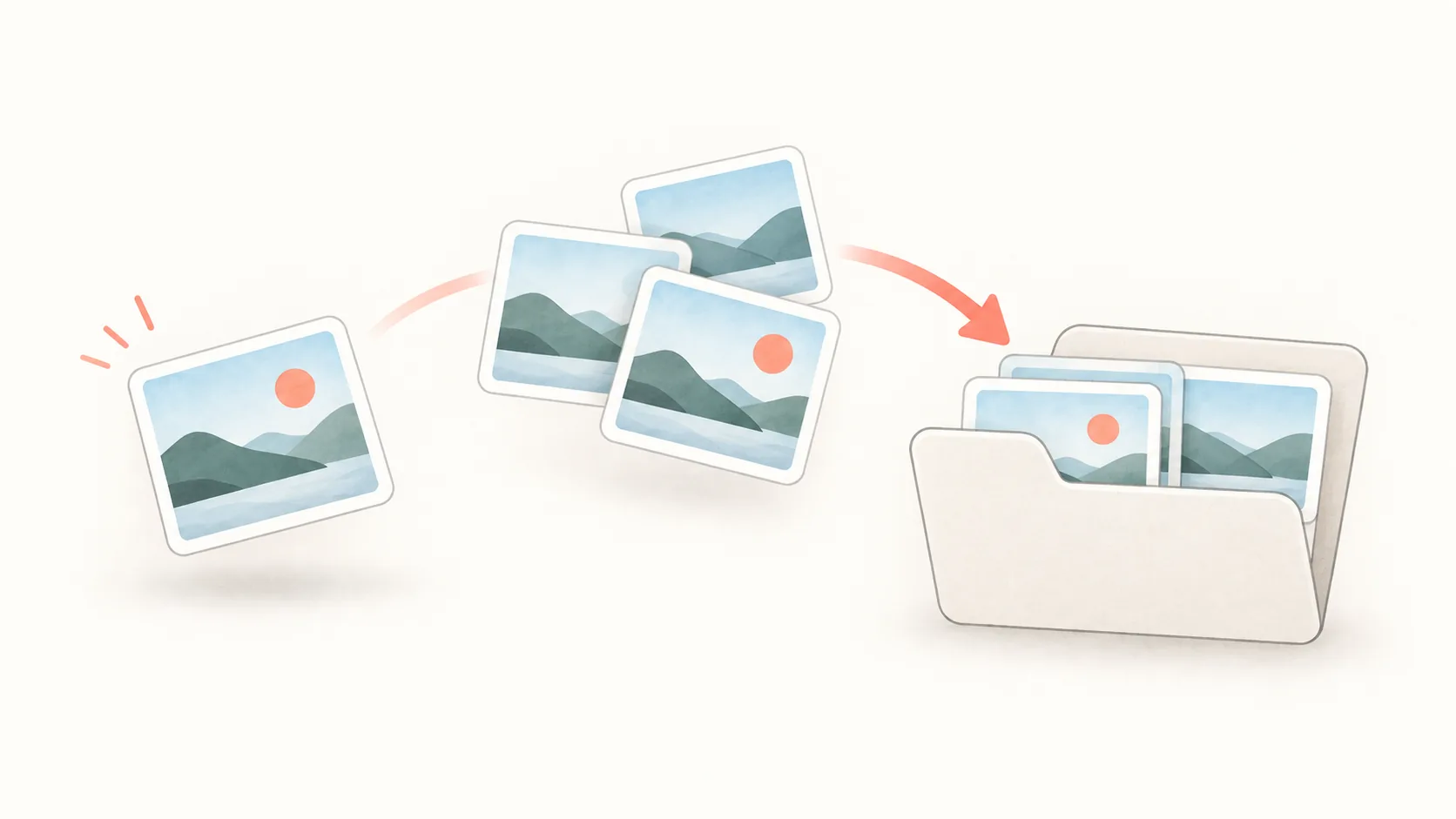
Cách sắp xếp ảnh chụp màn hình trên Mac và giữ màn hình nền gọn gàng
Quản lý ảnh chụp màn hình Mac bằng thư mục lưu riêng, tên tệp hữu ích, chồng mục trên màn hình nền và quy trình riêng cho ảnh tạm trong bảng nhớ tạm lẫn ảnh tham khảo.
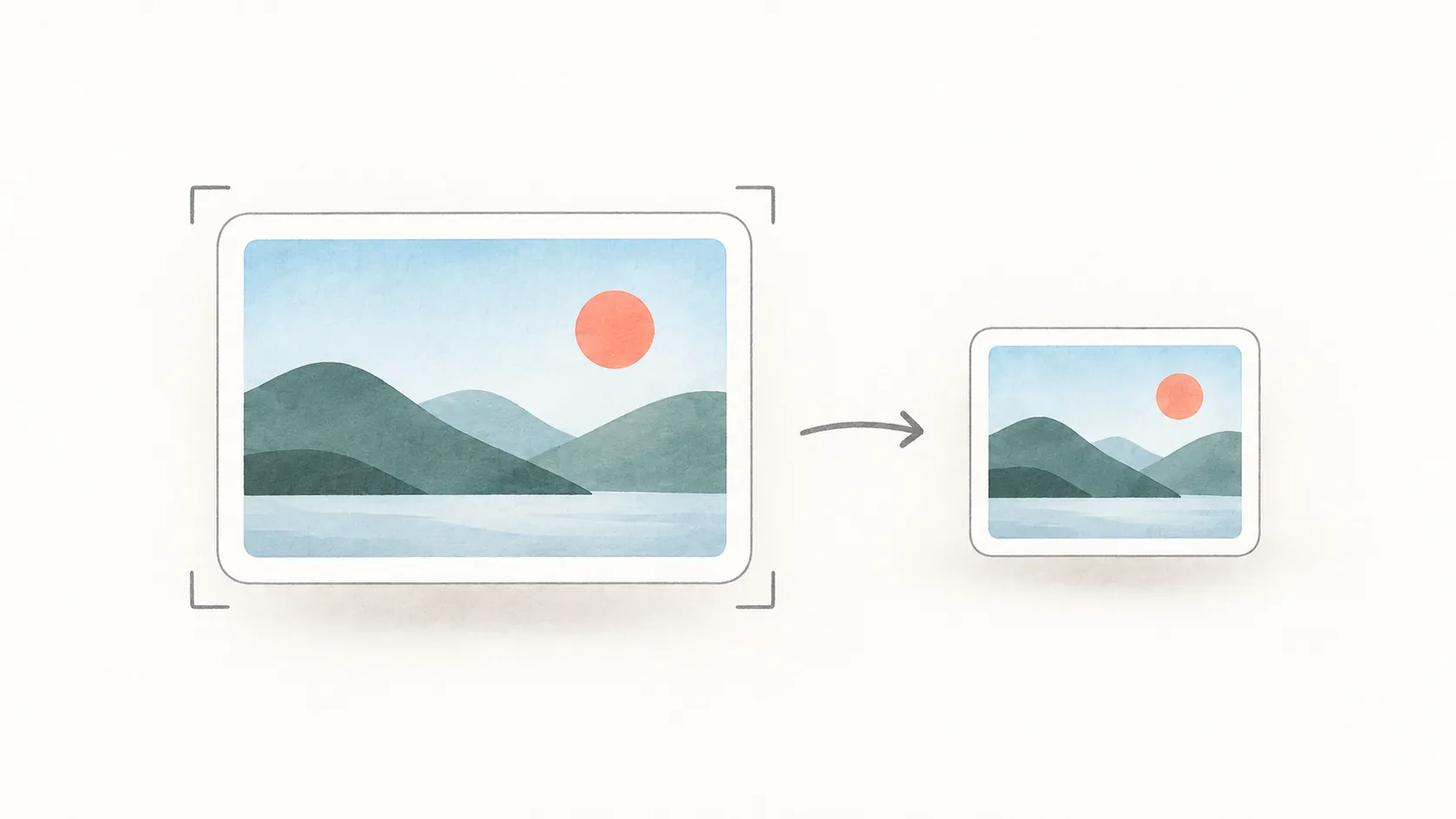
Cách giảm dung lượng ảnh chụp màn hình Mac mà vẫn giữ được độ rõ
Giảm dung lượng ảnh chụp màn hình Mac bằng Preview: cắt khoảng trống, giảm kích thước điểm ảnh, chọn PNG hoặc JPEG rồi kiểm tra chữ có còn rõ trước khi chia sẻ.
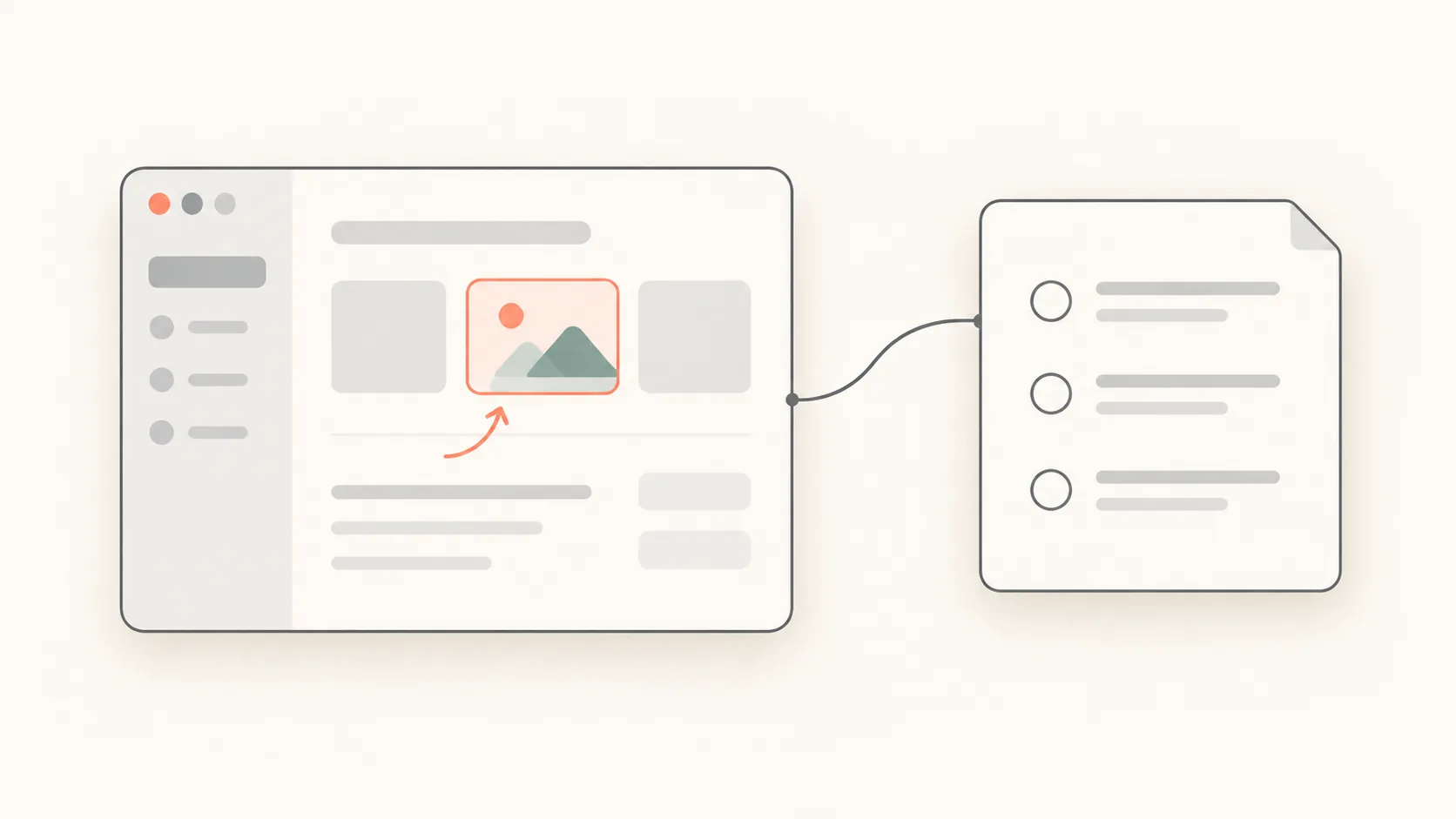
Cách chụp ảnh màn hình Mac hữu ích cho báo cáo lỗi
Tạo báo cáo lỗi rõ ràng hơn bằng ảnh chụp tập trung, mẫu các bước tái hiện ngắn gọn, chú thích dễ đọc và nguyên văn thông báo lỗi để nhà phát triển có thể tìm kiếm.
Cách đổi vị trí lưu ảnh chụp màn hình trên Mac
Tìm nơi lưu ảnh chụp màn hình Mac, đổi thư mục mặc định bằng Shift-Command-5, khôi phục Màn hình nền và kiểm tra khi ảnh được đưa vào bảng nhớ tạm.
How to Remove the Background From a Screenshot on Mac
Lifting the subject out of a capture and leaving the background transparent — Preview's background removal, Floatie's one-press version, and what makes a clean cut.
How to Pick a Colour From the Screen on Mac
Getting the HEX value of any colour on screen — the built-in Digital Colour Meter, Floatie's colour picker, and why the same colour sometimes reads differently.
How to Add Arrows and Numbers to a Mac Screenshot
Marking up a capture with arrows, boxes and numbered steps — what the built-in markup gives you, and what Floatie's editor adds on top of the floating shot.
How to Change Mac Screenshot Shortcuts
What to do when ⌘⇧3 or ⌘⇧4 clashes with another app or just doesn't suit your hands — where to change them, where clashes hide, and Floatie's own defaults.
How to Capture a Single Window on Mac
How to grab one window cleanly instead of dragging around it — the built-in shortcut, dropping the drop shadow, and Floatie's window capture.
Why I Built Floatie Instead of Using Fuwari
I liked how Fuwari leaves a capture floating on screen, but I wanted different borders, opacity, and saving. Here's how Floatie started.
How to Pin a Screenshot on Your Mac Screen
How to keep a screenshot floating on screen instead of filing it away. Move a Floatie shot, set its size and opacity, and pin it so other apps can't cover it.



After ⌘⇧4: The macOS Screenshot vs Floatie
The built-in macOS screenshot (⌘⇧3/4/5) is fast up to the moment it saves — after that it leaves you hanging. Here's what macOS does well, and what Floatie picks up from there.
How to Copy Text from a Screenshot on Mac
Stop retyping sentences out of screenshots. With Floatie's on-device text recognition (OCR) you can select and paste the text within seconds of capturing it.
How to Blur Sensitive Info in a Mac Screenshot
When a screenshot catches an email address, a phone number, or an API key, here is how to cover it with Floatie's mosaic tool and share it right away — step by step.
Scrolling Screenshots on Mac: A Long Page in One Shot
How to capture a long web page or conversation as a single stitched image instead of several separate shots. Floatie's scrolling capture shortcut, the steps, and how it differs from what macOS offers.
How to Record Part of Your Screen on Mac
How to record a single region or window instead of the whole screen. Pick the area in Floatie, then trim, crop, and blur the recording in the floating preview before exporting.
CleanShot X and Shottr Alternatives: How Floatie Compares
CleanShot X, Shottr, and Floatie compared on price, distribution, scrolling capture, OCR, and pinning shots on screen. Prices verified September 2026, and what each app does best.
Why the Buttons Live in the Four Corners
A floating Floatie shot has buttons in its corners instead of a fixed toolbar. Here's why the four most-used actions went to the corners and everything else went to the right-click menu.